The Room Plan’s live updates provide real-time information on room status, availability, and reservations. This instant synchronization ensures that all hotel staff have up-to-date data at their fingertips, enabling faster decision-making, reducing errors like double bookings, and improving overall operational efficiency. Live updates keep everyone connected and the hotel running smoothly.
Room Plan Live Updates
Our system tracks changes on the room plan in real time and instantly reflects updates, allowing staff to always stay informed about the current status of rooms. In the top-right corner, there is a status message: if it says "Sync OK" – the synchronization was successful; if it says "Updating" – synchronization is in progress. The system tracks the following changes and instantly updates the room plan:
- Reservation Creation -
When a reservation is created via Kanban, the room plan, or any other method, and the room plan is open in another tab.
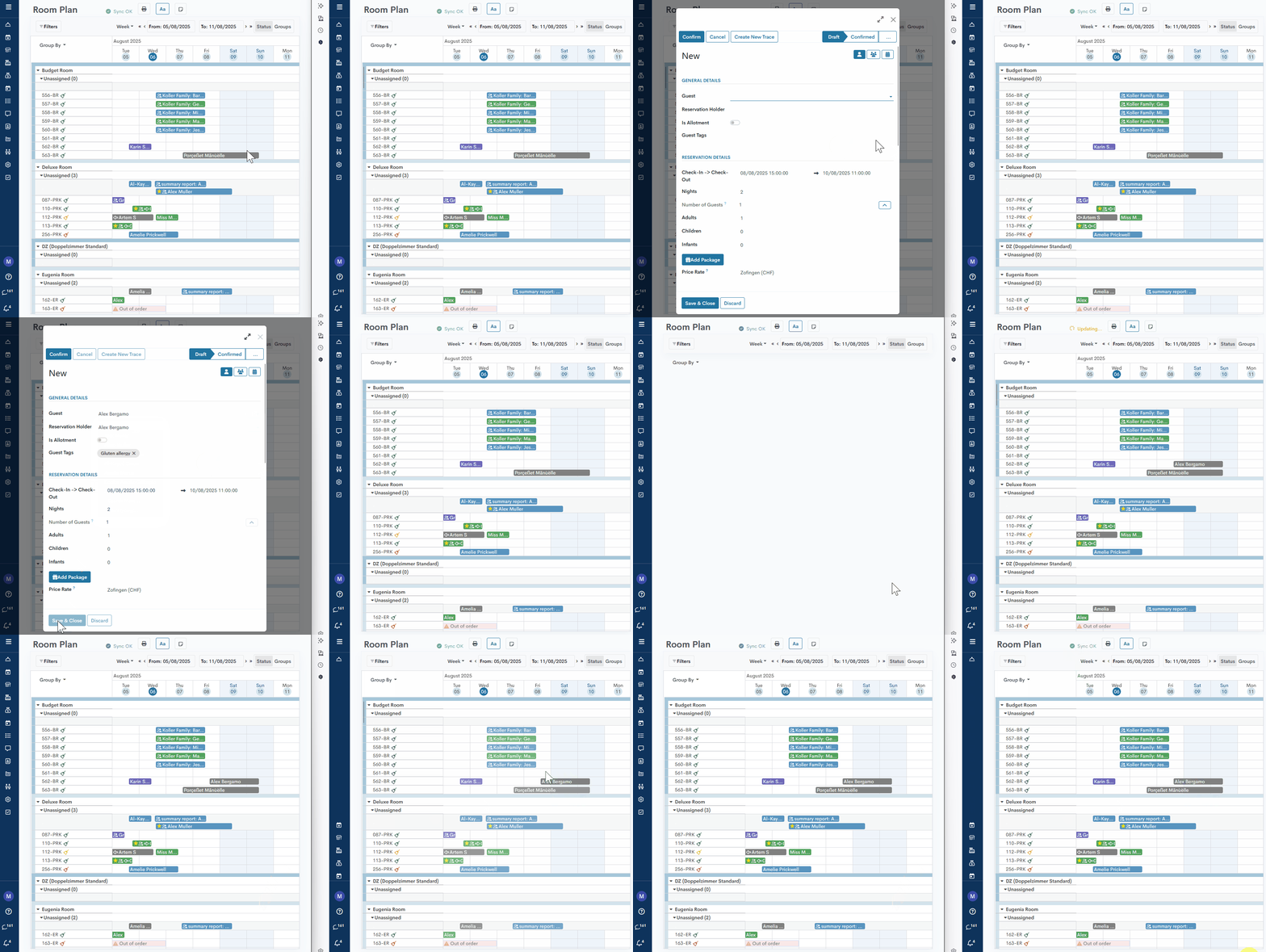
- Reservation Drag&Drop - When a reservation is moved on the room plan or via reservation mask.

- Status Change - when the reservation status is changed — for example, from Draft to Confirmed, or from Check-in to Check-out, etc.
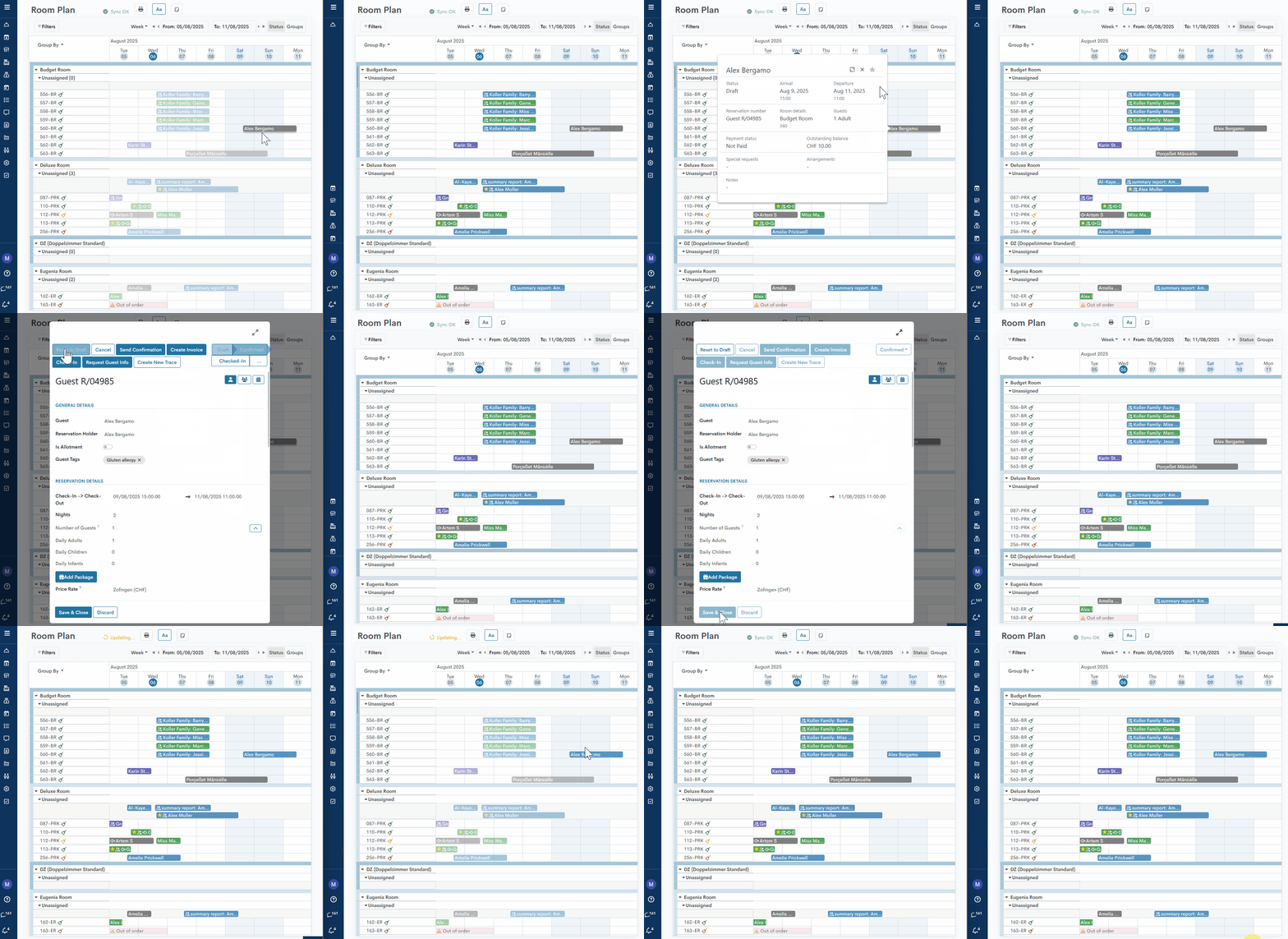
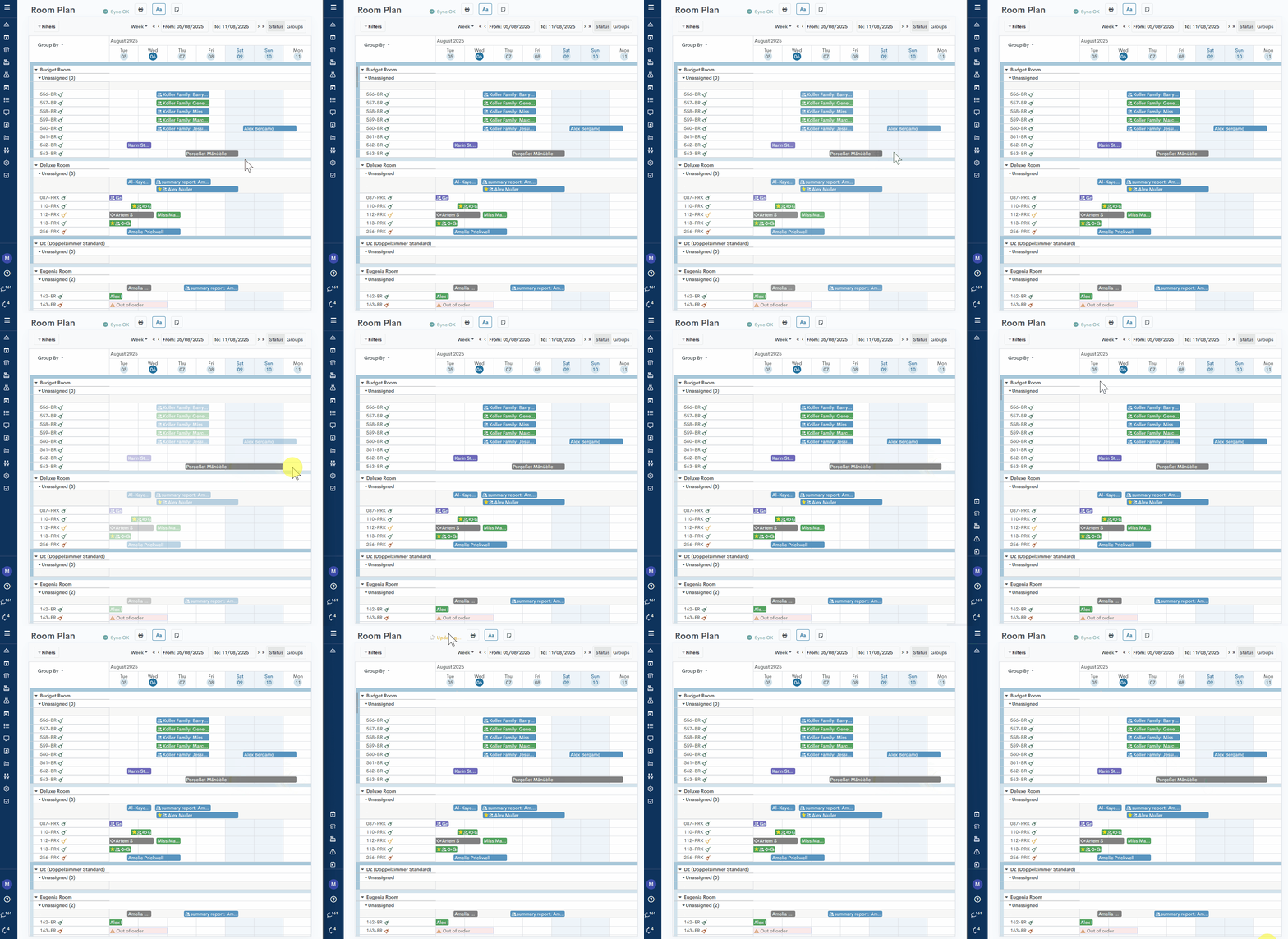
- Extend/Reduce Reservation Period - when the reservation period is extended or shortened.
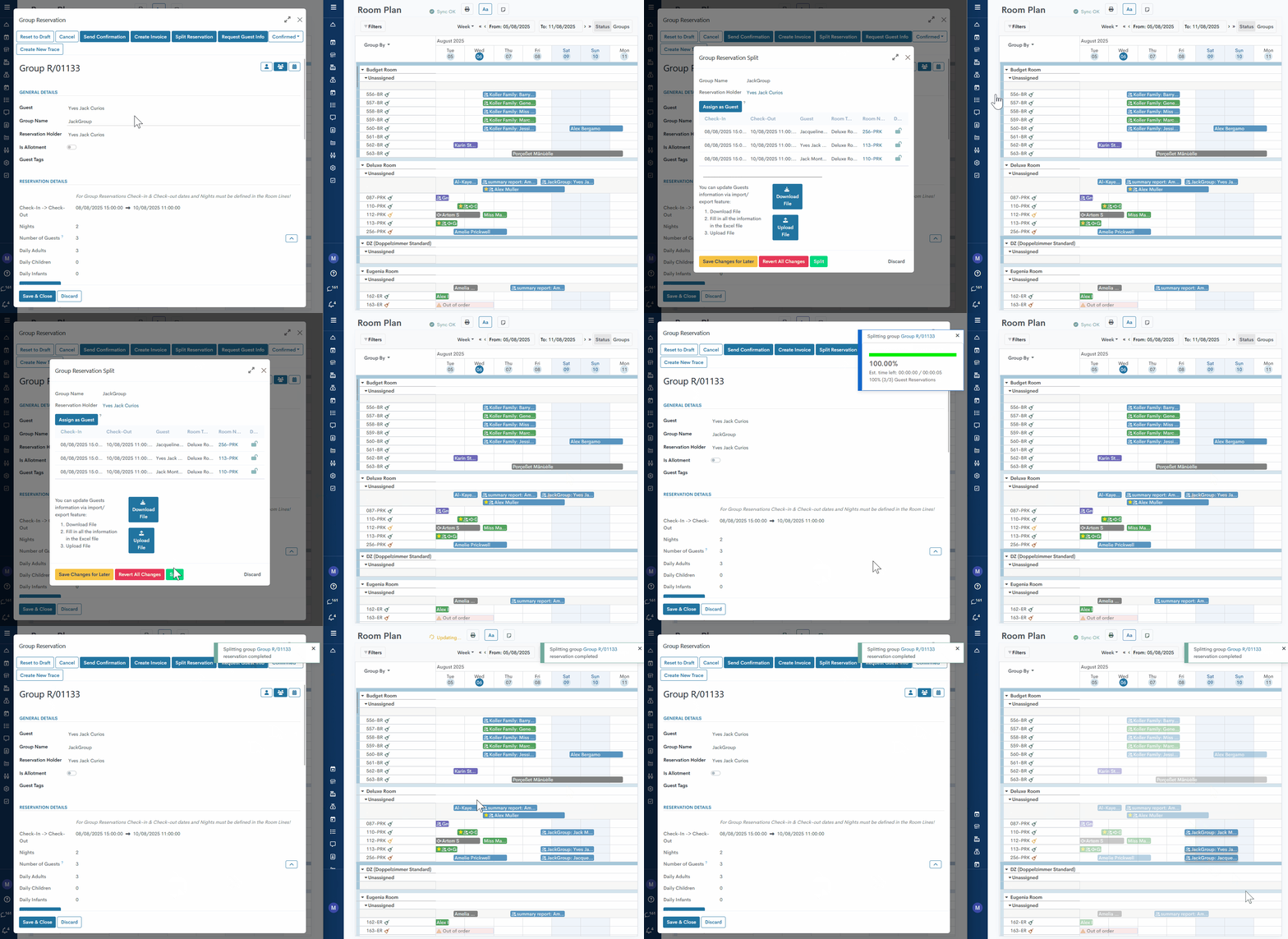
- Group Split - when a group split is performed.
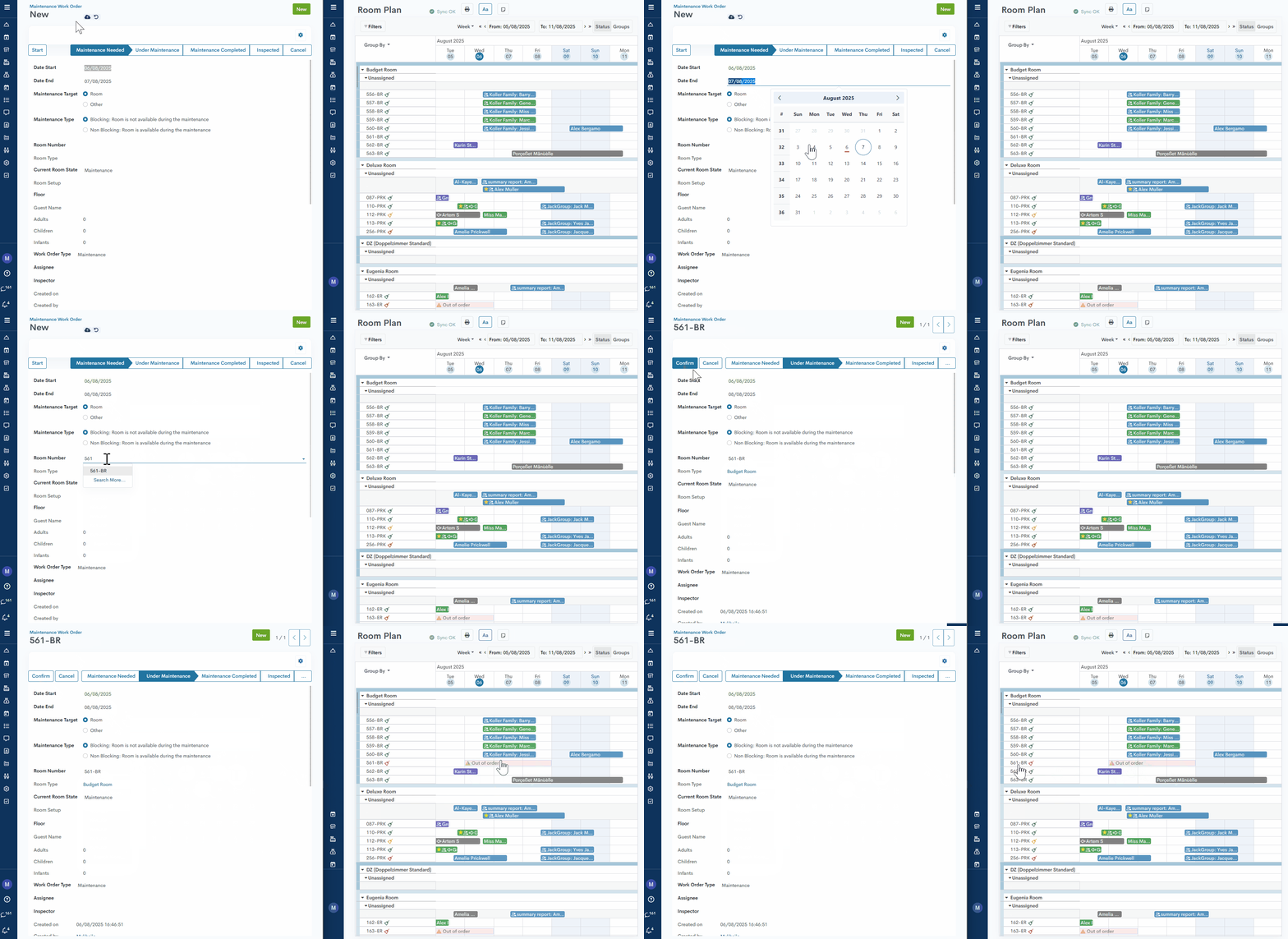
- Maintenance Order - when a room is marked as unavailable for sale due to maintenance.
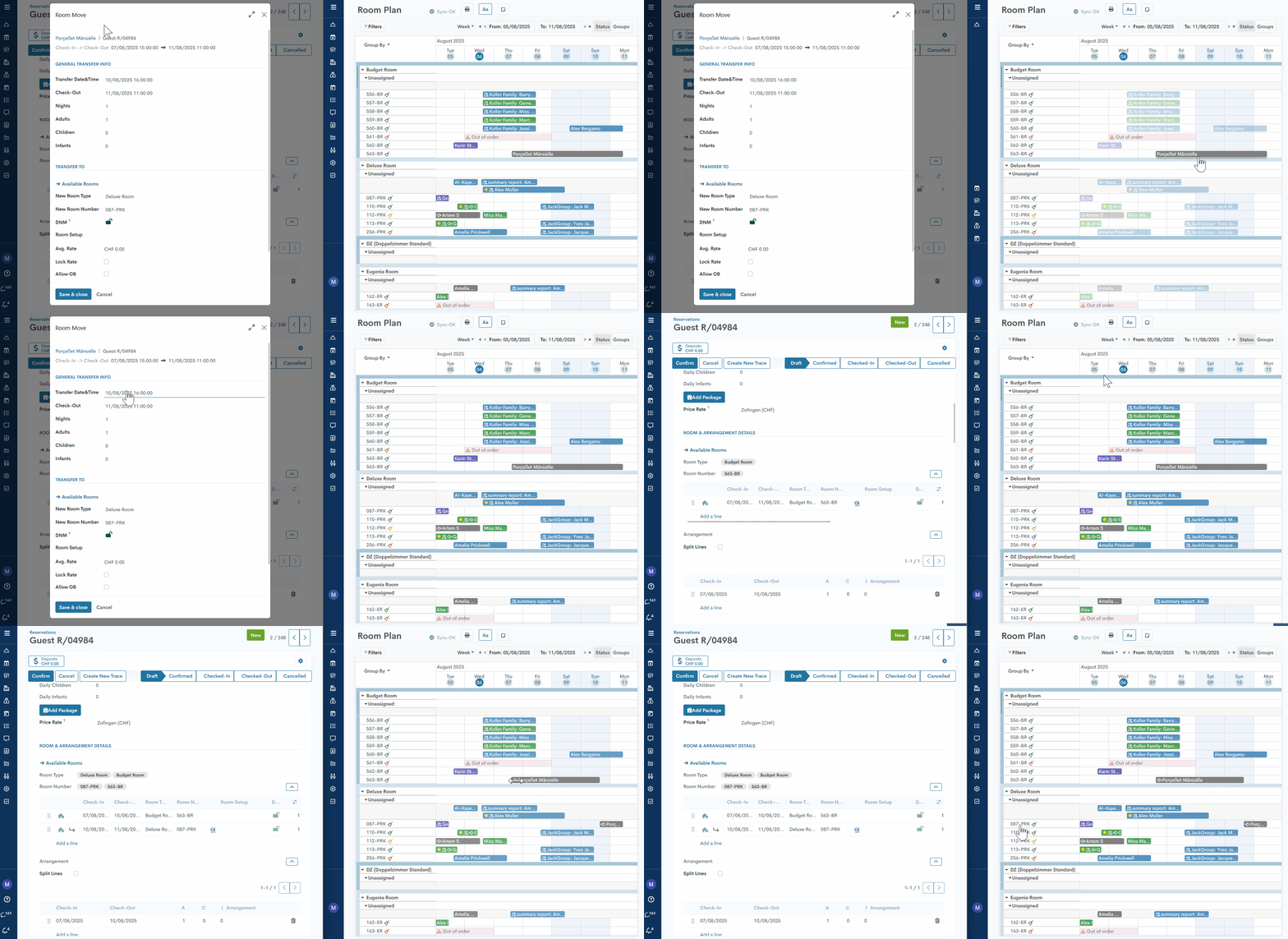
- Room Move - when a guest is relocated during their reservation period or continues their stay in a different room after check-out.
Also, Live Updates work for all fields that are present in the reservation pop-up on the room plan - status, reservation dates, room details, etc.
Momentan sind keine Kommentare vorhanden.
, um als erster einen Kommentar zu hinterlassen.